
Today we spent the afternoon at the Local School District Design Lab, and honestly, it was such a fun and eye-opening experience. The teacher who runs the design lab welcomed us into the space by describing it as a Makerspace—a place where students can build, experiment, and try out ideas in a really hands-on way. It immediately felt like one of those places where kids can learn without even realizing they’re learning.
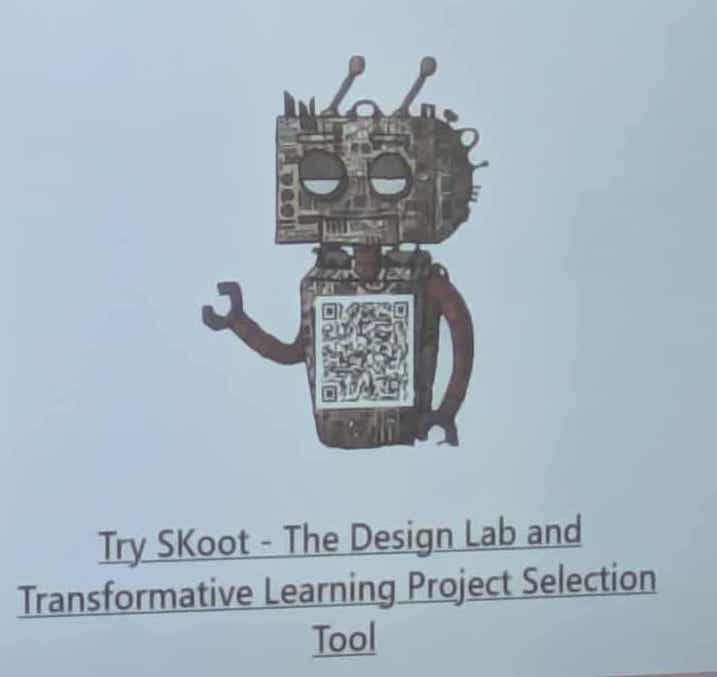
One of the first things he showed us was SKoot, the robot mascot for the South Kootenays. This little guy is so cool, he has a QR code on his chest that links to Transformative Learning Projects. It acts like an AI helper that can suggest project ideas you can build with the TLT team. It’s such a simple concept, but so creative and useful.
As we moved through the lab, the teacher walked us through all the different types of technology students get to use. I couldn’t believe how much there was.
Coding & Robotics
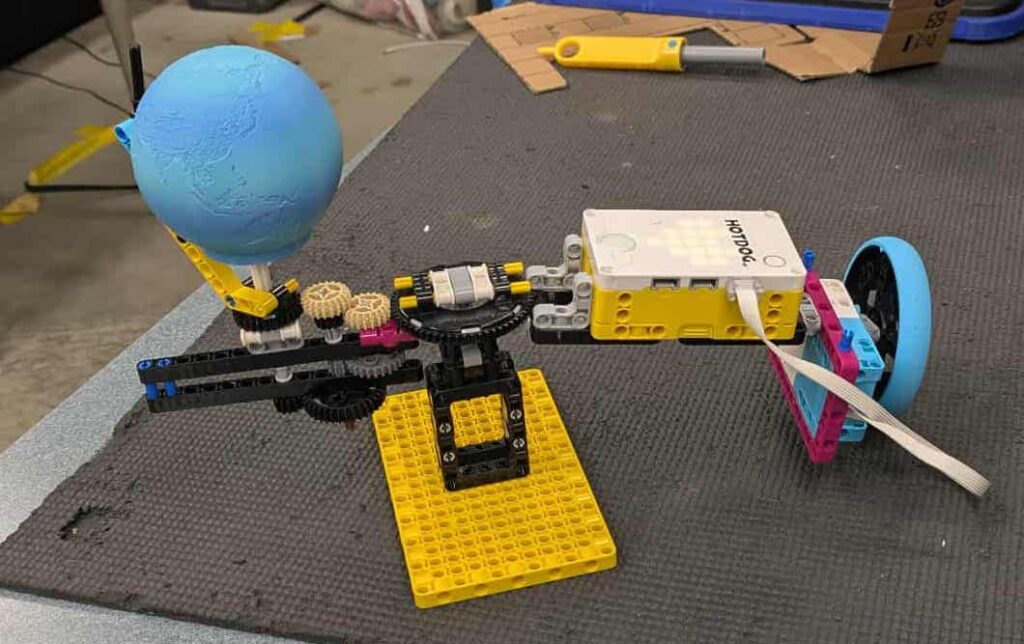
We were shown the huge collection of robotics and coding tools, including:
- Lego Robotics
- Ozobots
- Micro:bits
- GoCubes
- Makey Makey kits
Seeing this in person really made me think about how far things have come since I was in school. These tools aren’t just for fun; they genuinely help kids think critically and solve problems in new hands on ways.
Makerspace Tools
Then we explored the Makerspace equipment, which honestly reminded me of a craft room on steroids. They had:
- ChompSaw cardboard cutters
- Cricut cutters and heat presses
- Button makers
- 3D pens
- MakeDo cardboard tools
Students can build anything from prototypes to art projects, and it really encourages creativity and exploration.
Emerging Technologies
This section blew my mind the most. He showed us:
- Virtual Reality headsets
- 3D printers
- Laser cutters
- Drones
Every time we learn about the technology students have now, I can’t help but think about how different things were “back in my day.” We barely used computers, never mind VR headsets and drones. It blows my mind (in a good way!) every single time.
Game Design Tools
The lab even includes game creation platforms like:
- Pixicade
- MakeCode Arcade
- OctoStudio
- Minecraft Education
- Scratch
This is such an engaging way for kids to blend creativity with coding and storytelling.
Reflections
The Design Lab is such a unique space, and you can tell the teacher absolutely loves what he does. His passion and excitement made the whole experience feel inspiring and full of possibility. I was disappointed to hear that the school district where I live doesn’t have something like this, because it’s the kind of space every district should have access to.
This visit reminded me how amazing it is to be entering teaching during a time when students can learn through hands-on exploration, technology, and creativity. I left feeling excited about all the ways I can bring this kind of learning into my own home and future classroom. I may be leaning towards the pro-technology side of teaching after all.
Sorry, but comments are not enabled on this site.